前言#
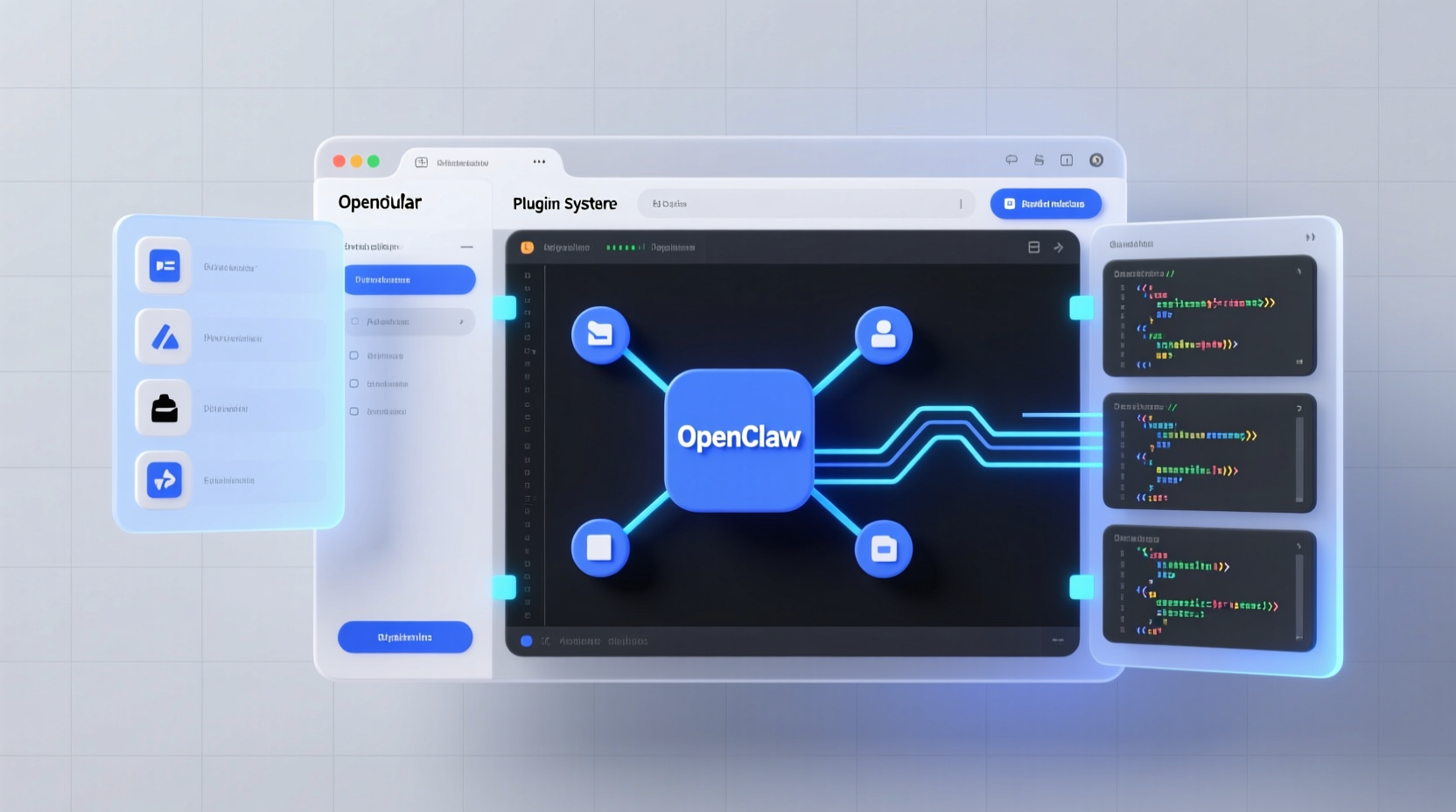
OpenClaw 的强大之处不仅在于核心功能,更在于其可扩展的插件系统。通过开发自定义插件,你可以将任何 API、服务或工具集成到 OpenClaw 的工作流中。
本文将带你从零开始,开发一个完整的 OpenClaw 插件,包括:
- 插件架构解析
- 开发环境搭建
- 实战案例:天气插件开发
- 调试与发布
- 最佳实践
OpenClaw 插件架构#
插件类型#
OpenClaw 支持两种插件类型:
- 工具插件(Tool Plugins) - 提供新的工具函数
- 通道插件(Channel Plugins) - 支持新的消息平台
插件目录结构#
my-plugin/
├── package.json          # 插件元数据
├── src/
│   ├── index.js         # 入口文件
│   ├── plugin.js        # 插件主逻辑
│   └── tools/           # 工具函数目录
│       └── weather.js   # 天气工具示例
├── skills/              # 技能定义
│   └── weather/
│       └── SKILL.md     # 技能说明
└── README.md # 使用文档开发环境搭建#
前置要求#
- Node.js >= 18
- OpenClaw >= 2026.3.0
- npm 或 yarn
初始化插件项目#
# 创建插件目录
mkdir openclaw-weather-plugin
cd openclaw-weather-plugin

# 初始化 npm 项目
npm init -y

# 安装 OpenClaw SDK
npm install @openclaw/sdk
配置 package.json#
{
  "name": "openclaw-weather-plugin",
  "version": "1.0.0",
  "description": "OpenClaw 天气查询插件",
  "main": "src/index.js",
  "scripts": {
    "test": "node src/index.js",
    "dev": "nodemon src/index.js"
  },
  "keywords": ["openclaw", "plugin", "weather"],
  "author": "Your Name",
  "license": "MIT",
  "dependencies": {
    "@openclaw/sdk": "^1.0.0",
    "axios": "^1.6.0"
  },
  "openclaw": {
    "pluginType": "tool",
    "tools": ["weather"],
    "minVersion": "2026.3.0"
  }
}实战:开发天气插件#
步骤 1:创建工具函数#
创建 src/tools/weather.js:
const axios = require('axios');

class WeatherTool {
  constructor(config) {
    this.apiKey = config.apiKey;
    this.baseUrl = 'https://api.open-meteo.com/v1';
  }

  async getCurrentWeather(location) {
    // 地理编码(简化版,实际应调用地理编码 API)
    const coords = await this.geocode(location);

    const response = await axios.get(`${this.baseUrl}/forecast`, {
      params: {
        latitude: coords.lat,
        longitude: coords.lon,
        current_weather: true
      }
    });

    return {
      location: location,
      temperature: response.data.current_weather.temperature,
      windspeed: response.data.current_weather.windspeed,
      time: response.data.current_weather.time
    };
  }

  async geocode(location) {
    // 简化实现,实际应调用地理编码服务
    const locations = {
      'beijing': { lat: 39.9042, lon: 116.4074 },
      'shanghai': { lat: 31.2304, lon: 121.4737 },
      'shenzhen': { lat: 22.5431, lon: 114.0579 }
    };
    return locations[location.toLowerCase()] || { lat: 39.9042, lon: 116.4074 };
  }
}

module.exports = WeatherTool;
步骤 2:创建插件主逻辑#
创建 src/plugin.js:
const WeatherTool = require('./tools/weather');

class WeatherPlugin {
  constructor(openclaw, config) {
    this.openclaw = openclaw;
    this.config = config;
    this.weatherTool = new WeatherTool(config);

    // 注册工具
    this.registerTools();
  }

  registerTools() {
    this.openclaw.registerTool('weather', {
      name: 'weather',
      description: '查询指定城市的当前天气',
      parameters: {
        type: 'object',
        properties: {
          location: {
            type: 'string',
            description: '城市名称,如 beijing, shanghai'
          }
        },
        required: ['location']
      },
      execute: async (params) => {
        return await this.weatherTool.getCurrentWeather(params.location);
      }
    });
  }

  async initialize() {
    console.log('Weather plugin initialized');
  }

  async shutdown() {
    console.log('Weather plugin shutting down');
  }
}

module.exports = WeatherPlugin;
步骤 3:创建入口文件#
创建 src/index.js:
const WeatherPlugin = require('./plugin');

module.exports = {
  name: 'weather-plugin',
  version: '1.0.0',

  activate: (openclaw, config) => {
    const plugin = new WeatherPlugin(openclaw, config);
    plugin.initialize();
    return plugin;
  },

  deactivate: (plugin) => {
    plugin.shutdown();
  }
};
步骤 4:创建技能定义#
创建 skills/weather/SKILL.md:
# Weather Skill

## Description
查询指定城市的当前天气信息。

## Activation
当用户询问天气、温度、天气预报时自动激活。

## Usage
- "北京天气怎么样?"
- "上海今天多少度?"
- "深圳会下雨吗?"

## Configuration
在 openclaw.json 中配置:

```json
{
  "plugins": {
    "weather": {
      "apiKey": "your-api-key"
    }
  }
}
## 调试与测试

### 本地调试

```bash
# 开发模式运行
npm run dev

# 运行测试
npm test
在 OpenClaw 中加载插件#
- 将插件目录复制到
~/.openclaw/plugins/ - 在
openclaw.json中启用插件:
{
  "plugins": {
    "entries": {
      "weather": {
        "enabled": true,
        "config": {
          "apiKey": "your-api-key"
        }
      }
    }
  }
}- 重启 OpenClaw:
openclaw gateway restart测试插件功能#
# 通过 CLI 测试
openclaw tool weather --location beijing

# 或在聊天中直接询问
"北京天气怎么样?"发布插件#
发布到 ClawHub#
# 安装 clawhub CLI
npm install -g clawhub

# 登录
clawhub login

# 发布插件
clawhub publish
编写 README#
# OpenClaw Weather Plugin

实时天气查询插件,支持全球主要城市。

## 安装

```bash
clawhub install weather配置#
在 openclaw.json 中添加:
{
  "plugins": {
    "weather": {
      "enabled": true
    }
  }
}使用#
直接询问:
- “北京天气”
- “上海今天多少度?”
License#
MIT
## 最佳实践

### 1. 错误处理

```javascript
async execute(params) {
  try {
    return await this.weatherTool.getCurrentWeather(params.location);
  } catch (error) {
    if (error.response?.status === 404) {
      return { error: '城市未找到,请检查城市名称' };
    }
    if (error.code === 'ECONNABORTED') {
      return { error: '请求超时,请稍后重试' };
    }
    return { error: '天气查询失败,请稍后重试' };
  }
}
2. 缓存优化#
const NodeCache = require('node-cache');
const cache = new NodeCache({ stdTTL: 300 }); // 5 分钟缓存

async getCurrentWeather(location) {
  const cached = cache.get(location);
  if (cached) {
    return cached;
  }

  const result = await this.fetchWeather(location);
  cache.set(location, result);
  return result;
}
3. 配置验证#
constructor(config) {
  if (!config.apiKey) {
    throw new Error('Weather plugin requires apiKey in config');
  }
  this.apiKey = config.apiKey;
}
4. 日志记录#
const debug = require('debug')('openclaw:weather');

async execute(params) {
  debug('Fetching weather for %s', params.location);
  const result = await this.fetchWeather(params.location);
  debug('Got result: %O', result);
  return result;
}高级技巧#
多工具组合#
registerTools() {
  // 当前天气
  this.openclaw.registerTool('weather:current', { ... });

  // 天气预报
  this.openclaw.registerTool('weather:forecast', { ... });

  // 历史天气
  this.openclaw.registerTool('weather:history', { ... });
}事件监听#
initialize() {
  // 监听每日定时任务
  this.openclaw.on('heartbeat', async () => {
    await this.sendDailyWeatherReport();
  });
}技能联动#
// 在 SKILL.md 中定义联动规则
## Triggers
- 用户提到"天气"、"温度"、"下雨"
- 用户位置发生变化时自动推送

## Dependencies
- location: 用户位置服务
- notification: 消息推送服务常见问题#
Q: 插件加载失败?#
检查:
- package.json 中 openclaw 字段配置正确
- 入口文件路径正确
- 依赖已安装:
npm install
Q: 工具无法调用?#
检查:
- 工具名称注册正确
- 参数 schema 定义完整
- OpenClaw 版本兼容
Q: 如何调试异步问题?#
使用 debug 模块:
DEBUG=openclaw:* openclaw gateway start总结#
OpenClaw 插件开发让你能够:
- ✅ 扩展核心功能
- ✅ 集成第三方服务
- ✅ 定制化工作流
- ✅ 分享社区贡献
下一步:
- Fork 官方插件模板
- 开发你的第一个插件
- 发布到 ClawHub
- 加入开发者社区
相关资源:
下一篇: 《OpenClaw 自定义技能开发:打造专属 AI 能力》