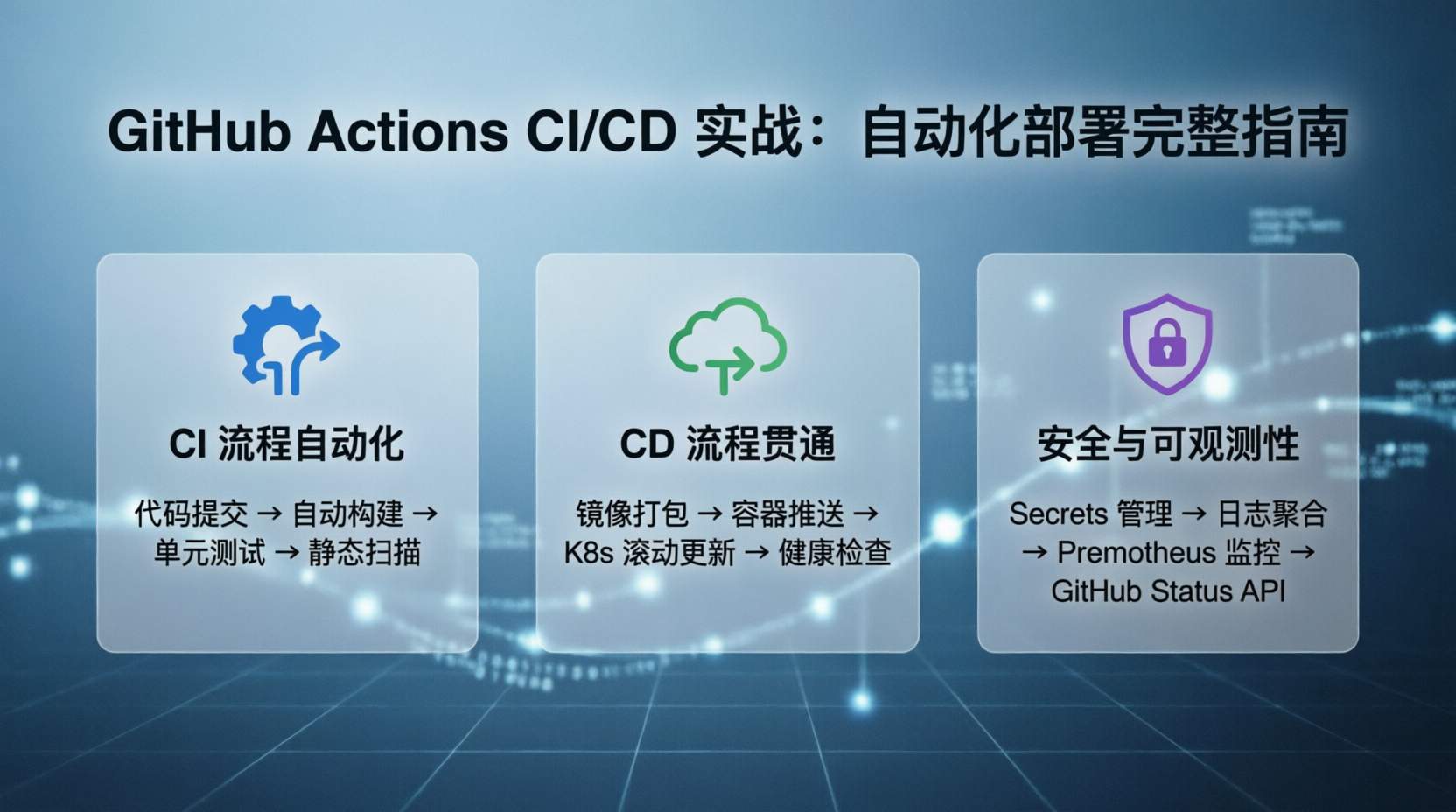
摘要: 本文详解 GitHub Actions CI/CD 完整配置流程,包含自动构建、测试、容器化部署、多环境管理等实战内容,提供可直接复用的 Workflow 模板。
一、为什么选择 GitHub Actions?#
1.1 核心优势#
| 特性 | 说明 |
|---|---|
| 原生集成 | 与 GitHub 仓库无缝整合 |
| 免费额度 | 公共仓库免费,私有仓库 2000 分钟/月 |
| 生态丰富 | Marketplace 有 20000+ 现成 Action |
| 灵活定制 | 支持自定义 Action 和复合命令 |
1.2 适用场景#
- ✅ 开源项目自动化
- ✅ 小型团队 CI/CD
- ✅ 多语言项目构建
- ✅ 容器镜像自动发布
- ❌ 超大型项目(考虑自托管 Runner)
二、基础概念#
2.1 核心术语#
Workflow    # 自动化流程(一个 YAML 文件)
  ↓
Job         # 工作流中的任务(可并行执行)
  ↓
Step        # 任务中的步骤(按顺序执行)
  ↓
Action      # 可复用的步骤单元
2.2 目录结构#
.your-repo/
└── .github/
    └── workflows/
        ├── ci.yml          # 持续集成
        ├── cd.yml          # 持续部署
└── release.yml # 发布流程三、快速开始#
3.1 第一个 Workflow#
# .github/workflows/hello.yml
name: Hello World

on:
  push:
    branches: [main]
  pull_request:
    branches: [main]

jobs:
  greet:
    runs-on: ubuntu-latest

    steps:
      - name: Checkout code
        uses: actions/checkout@v4

      - name: Say hello
        run: echo "Hello, ${{ github.actor }}!"

      - name: Get current time
        run: echo "Current time: $(date)"
触发条件说明:
push- 代码推送时触发pull_request- PR 创建/更新时触发schedule- 定时触发(Cron 语法)workflow_dispatch- 手动触发
3.2 查看执行结果#
- 进入仓库 → Actions 标签
- 点击 Workflow 名称
- 查看每次运行的详细日志
四、实战案例#
4.1 Node.js 项目 CI#
# .github/workflows/nodejs-ci.yml
name: Node.js CI

on:
  push:
    branches: [main, develop]
  pull_request:
    branches: [main]

jobs:
  test:
    runs-on: ubuntu-latest

    strategy:
      matrix:
        node-version: [18.x, 20.x, 22.x]

    steps:
      - uses: actions/checkout@v4

      - name: Use Node.js ${{ matrix.node-version }}
        uses: actions/setup-node@v4
        with:
          node-version: ${{ matrix.node-version }}
          cache: 'npm'

      - name: Install dependencies
        run: npm ci

      - name: Run lint
        run: npm run lint

      - name: Run tests
        run: npm test

      - name: Upload coverage
        uses: codecov/codecov-action@v4
        with:
          files: ./coverage/lcov.info
关键点:
npm ci- 比npm install更快、更可靠matrix- 多版本并行测试cache- 缓存 node_modules 加速构建
4.2 Docker 镜像自动构建#
# .github/workflows/docker-build.yml
name: Docker Build & Push

on:
  push:
    branches: [main]
    tags: ['v*.*.*']
  pull_request:
    branches: [main]

env:
  REGISTRY: ghcr.io
  IMAGE_NAME: ${{ github.repository }}

jobs:
  build:
    runs-on: ubuntu-latest
    permissions:
      contents: read
      packages: write

    steps:
      - uses: actions/checkout@v4

      - name: Log in to Container Registry
        uses: docker/login-action@v3
        with:
          registry: ${{ env.REGISTRY }}
          username: ${{ github.actor }}
          password: ${{ secrets.GITHUB_TOKEN }}

      - name: Extract metadata
        id: meta
        uses: docker/metadata-action@v5
        with:
          images: ${{ env.REGISTRY }}/${{ env.IMAGE_NAME }}
          tags: |
            type=ref,event=branch
            type=ref,event=pr
            type=semver,pattern={{version}}
            type=semver,pattern={{major}}.{{minor}}
            type=raw,value=latest,enable={{is_default_branch}}

      - name: Build and push
        uses: docker/build-push-action@v5
        with:
          context: .
          push: true
          tags: ${{ steps.meta.outputs.tags }}
          labels: ${{ steps.meta.outputs.labels }}
          cache-from: type=gha
          cache-to: type=gha,mode=max
特性:
- 自动标签(分支名、PR 号、SemVer)
- 构建缓存(加速后续构建)
- GitHub Container Registry 集成
4.3 多环境部署#
# .github/workflows/deploy.yml
name: Deploy to Environments

on:
  push:
    branches: [main]

jobs:
  deploy-staging:
    runs-on: ubuntu-latest
    environment: staging

    steps:
      - uses: actions/checkout@v4

      - name: Deploy to Staging
        run: |
          echo "Deploying to staging..."
          # 添加实际部署命令
        env:
          DEPLOY_TOKEN: ${{ secrets.STAGING_DEPLOY_TOKEN }}
          API_URL: ${{ secrets.STAGING_API_URL }}

  deploy-production:
    runs-on: ubuntu-latest
    environment: production
    needs: deploy-staging  # 等待 staging 部署完成

    steps:
      - uses: actions/checkout@v4

      - name: Deploy to Production
        run: |
          echo "Deploying to production..."
          # 添加实际部署命令
        env:
          DEPLOY_TOKEN: ${{ secrets.PROD_DEPLOY_TOKEN }}
          API_URL: ${{ secrets.PROD_API_URL }}
环境配置:
- 仓库 → Settings → Environments
- 添加
staging和production环境 - 配置每个环境的 Secrets 和保护规则
4.4 Kubernetes 部署#
# .github/workflows/k8s-deploy.yml
name: Kubernetes Deploy

on:
  push:
    tags: ['v*.*.*']

jobs:
  deploy:
    runs-on: ubuntu-latest

    steps:
      - uses: actions/checkout@v4

      - name: Set up kubectl
        uses: azure/setup-kubectl@v3
        with:
          version: 'v1.29.0'

      - name: Configure kubeconfig
        run: |
          mkdir -p ~/.kube
          echo "${{ secrets.KUBE_CONFIG }}" | base64 -d > ~/.kube/config

      - name: Update image tag
        run: |
          TAG=${{ github.ref_name }}
          kubectl set image deployment/myapp \
            myapp=myregistry/myapp:$TAG \
            -n production

      - name: Verify deployment
        run: |
          kubectl rollout status deployment/myapp -n production
kubectl get pods -n production五、高级技巧#
5.1 条件执行#
jobs:
  deploy:
    runs-on: ubuntu-latest
    # 只在 main 分支的推送时执行
    if: github.event_name == 'push' && github.ref == 'refs/heads/main'

    steps:
      - name: Deploy
        run: ./deploy.sh
常用条件:
# 只在特定分支
if: github.ref == 'refs/heads/main'

# 只在 PR 时
if: github.event_name == 'pull_request'

# 只在标签推送
if: startsWith(github.ref, 'refs/tags/')

# 跳过特定路径
if: |
  !contains(github.event.head_commit.message, '[skip ci]')
5.2 输出和依赖#
jobs:
  build:
    runs-on: ubuntu-latest
    outputs:
      version: ${{ steps.version.outputs.version }}

    steps:
      - id: version
        run: echo "version=1.2.3" >> $GITHUB_OUTPUT

  deploy:
    needs: build
    runs-on: ubuntu-latest

    steps:
      - name: Deploy version ${{ needs.build.outputs.version }}
        run: echo "Deploying..."
5.3 复用 Workflow#
# .github/workflows/reusable.yml
name: Reusable Workflow

on:
  workflow_call:
    inputs:
      environment:
        required: true
        type: string
    secrets:
      deploy_token

jobs:
  deploy:
    runs-on: ubuntu-latest
    steps:
      - name: Deploy to ${{ inputs.environment }}
        run: ./deploy.sh
        env:
          TOKEN: ${{ secrets.deploy_token }}
调用方式:
# .github/workflows/main.yml
jobs:
  call-reusable:
    uses: ./.github/workflows/reusable.yml
    with:
      environment: production
    secrets:
      deploy_token: ${{ secrets.PROD_TOKEN }}
5.4 自托管 Runner#
# 在服务器上安装 Runner
# 1. 下载
wget https://github.com/actions/runner/releases/download/v2.311.0/actions-runner-linux-x64-2.311.0.tar.gz

# 2. 解压
tar xzf actions-runner-linux-x64-2.311.0.tar.gz

# 3. 配置
./config.sh --url https://github.com/username/repo \
            --token $TOKEN \
            --name my-runner

# 4. 启动
./run.sh
Workflow 使用:
jobs:
  build:
    runs-on: self-hosted
    # 或指定标签
# runs-on: [self-hosted, linux, gpu]六、最佳实践#
6.1 性能优化#
缓存依赖:
- name: Cache dependencies
  uses: actions/cache@v4
  with:
    path: |
      ~/.npm
      node_modules
    key: ${{ runner.os }}-npm-${{ hashFiles('**/package-lock.json') }}
    restore-keys: |
      ${{ runner.os }}-npm-
并行执行:
jobs:
  test:
    strategy:
      matrix:
        os: [ubuntu-latest, macos-latest, windows-latest]
        node: [18, 20, 22]

    runs-on: ${{ matrix.os }}
6.2 安全建议#
最小权限原则:
permissions:
  contents: read
  packages: write
  # 不要给不必要的权限
Secrets 管理:
# ✅ 正确用法
run: ./deploy.sh
env:
  API_KEY: ${{ secrets.API_KEY }}

# ❌ 错误用法(会泄露到日志)
run: echo ${{ secrets.API_KEY }}
6.3 错误处理#
steps:
  - name: Deploy
    run: ./deploy.sh
    continue-on-error: false  # 默认值,失败则停止

  - name: Notify on failure
    if: failure()
    run: |
      # 发送失败通知
      curl -X POST $SLACK_WEBHOOK -d '{"text":"Deploy failed!"}'

  - name: Cleanup
    if: always()
run: ./cleanup.sh七、常见问题#
Q1: Workflow 执行失败如何调试?#
方法:
- 查看完整日志(Actions → 运行记录 → 失败的任务)
- 添加调试输出:
- run: echo "Debug info" - run: env # 查看所有环境变量 - run: ls -la # 查看文件结构 - 使用
act本地测试:brew install act act push # 本地模拟 push 事件
Q2: 如何限制并发执行?#
jobs:
  deploy:
    runs-on: ubuntu-latest
    concurrency:
      group: deploy-${{ github.ref }}
      cancel-in-progress: true
Q3: 如何定时执行?#
on:
  schedule:
    # Cron 语法(UTC 时间)
    - cron: '0 2 * * *'  # 每天 2AM UTC
- cron: '0 */6 * * *' # 每 6 小时八、总结#
核心要点#
- 从简单开始 - 先实现基础 CI,再逐步扩展
- 复用 Action - Marketplace 有大量现成方案
- 环境隔离 - staging 和 production 分开管理
- 安全第一 - 最小权限、Secrets 加密
- 性能优化 - 缓存、并行、自托管 Runner
推荐模板#
| 场景 | 模板 |
|---|---|
| Node.js 项目 | actions/starter-workflows |
| Docker 构建 | 本文 4.2 节 |
| Kubernetes 部署 | 本文 4.4 节 |
| 多环境部署 | 本文 4.3 节 |
参考资料: