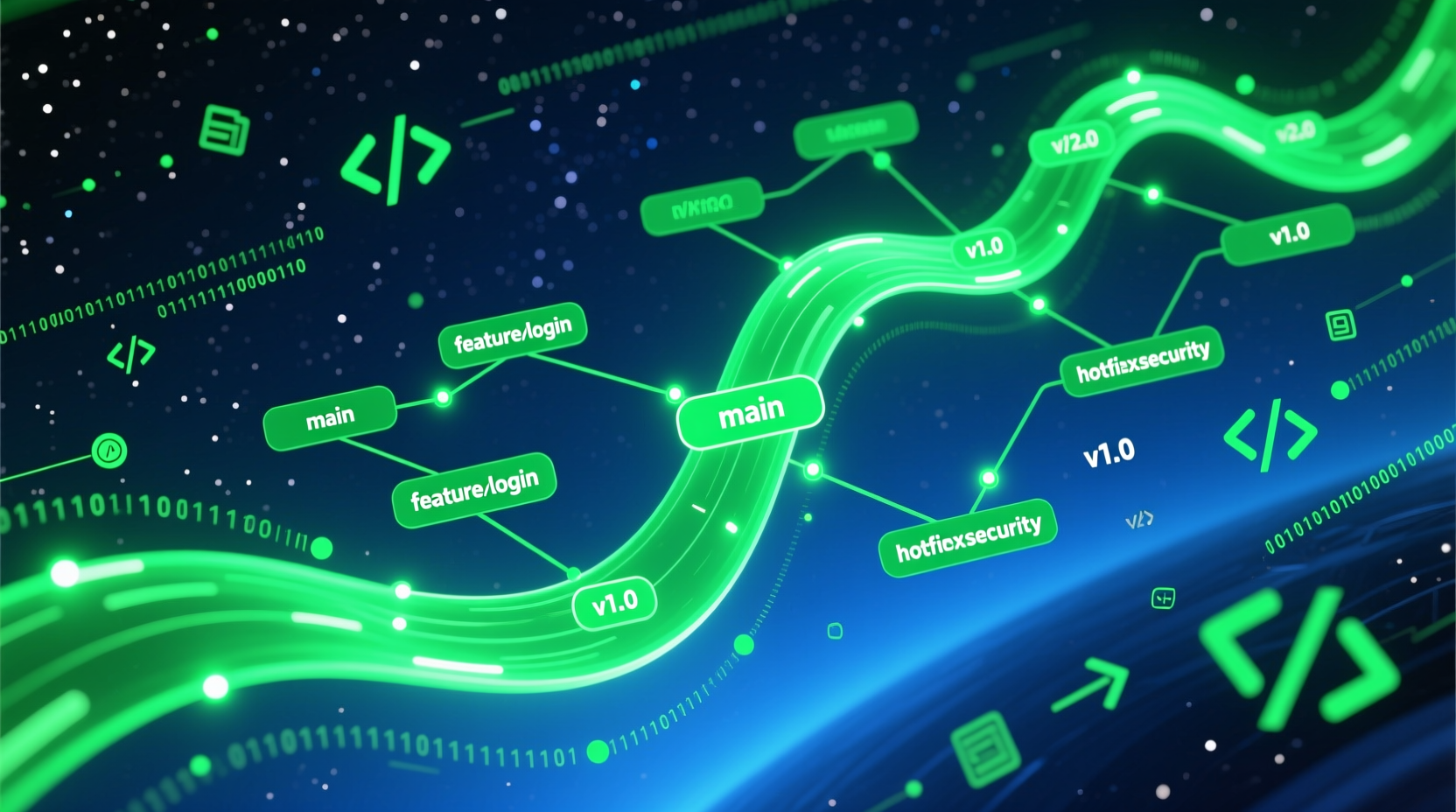
概述#
Git 已经成为现代软件开发的必备技能。本文深入讲解 Git 的核心概念、工作流和实用技巧。
核心概念#
三大区域#
工作区 (Working Directory)
    ↓ git add
暂存区 (Staging Area / Index)
    ↓ git commit
本地仓库 (Local Repository)
    ↓ git push
远程仓库 (Remote Repository)三种状态#
| 状态 | 说明 |
|---|---|
| Unmodified | 文件已提交,本地未修改 |
| Modified | 文件已修改但未暂存 |
| Staged | 文件已暂存等待提交 |
基础命令#
查看状态#
# 查看工作区状态
git status

# 查看修改内容
git diff
git diff --cached      # 暂存区变化

# 查看提交历史
git log --oneline --graph --all

# 查看分支
git branch -a
git tag配置管理#
# 用户名邮箱
git config --global user.name "你的名字"
git config --global user.email "your@email.com"

# 查看配置
git config --list
git config user.email

# 编辑配置
git config --global --edit文件操作#
# 初始化仓库
git init [--bare]          # bare 用于共享仓库

# 克隆仓库
git clone https://github.com/user/repo.git
git clone --depth 1 https://github.com/user/repo.git  # 浅克隆

# 添加文件
git add file.txt
git add .
git add -p                 # 交互式添加
git add --all

# 提交
git commit -m "描述信息"
git commit -am "描述" # 跳过暂存(仅已跟踪文件)高级命令#
撤销操作#
# 撤销暂存
git reset HEAD file.txt
git reset HEAD~1           # 撤销上一个提交

# 撤销修改
git checkout -- file.txt   # 丢弃工作区修改
git restore file.txt       # git 2.23+ 新命令

# 回退提交
git reset --hard HEAD~1    # 彻底回退
git revert HEAD            # 创建回退提交(推荐)

# 压缩提交
git rebase -i HEAD~3 # 交互式 rebase分支管理#
# 创建分支
git branch feature/new-feature
git checkout -b feature/new-feature  # 创建并切换

# 切换分支
git checkout main
git switch main                      # git 2.23+ 新命令

# 合并分支
git merge feature/branch
git merge --squash feature/branch    # 压缩合并

# 删除分支
git branch -d feature/branch         # 安全删除
git branch -D feature/branch         # 强制删除

# 远程分支
git push origin feature/branch
git push origin --delete feature/branch远程操作#
# 添加远程
git remote add origin https://github.com/user/repo.git

# 查看远程
git remote -v
git remote show origin

# 推送
git push origin main
git push -u origin main              # 设置上游分支
git push --force-with-lease          # 安全强制推送

# 拉取
git pull origin main
git pull --rebase origin main        # rebase 方式

# 获取远程标签
git fetch --tags实用技巧#
探索历史#
# 查看特定文件历史
git log -p file.txt

# 搜索提交
git log --grep "fix"
git log --author "Alice"
git log --since "2024-01-01"
git log --until "2024-12-31"

# blame
git blame file.txt

# bisect - 二分查找引入 bug 的提交
git bisect start
git bisect bad
git bisect good v1.0
# git bisect good/bad 重复
git bisect reset临时保存#
# stash - 暂存当前工作
git stash
git stash list
git stash apply stash@{0}
git stash drop stash@{0}

# 保存未跟踪文件
git stash -u重命名文件#
# Git 自动检测重命名
git mv old-name.txt new-name.txt标签管理#
# 创建标签
git tag v1.0.0
git tag -a v1.0.0 -m "Release version 1.0.0"  # 带消息的标签

# 推送标签
git push origin v1.0.0
git push origin --tags

# 删除标签
git tag -d v1.0.0
git push origin --delete v1.0.0工作流#
Git Flow#
main (production)
   ↑
develop (development)
   ↑
feature/*, hotfix/*, release/*
GitHub Flow#
main (always deployable)
   ↑
feature/* (short-lived)
GitLab Flow#
main
   ↑
production
   ↑
pre生产
   ↑
feature/*
Forking Workflow#
上游仓库 → Fork → 本地分支 → PR → 合并团队协作#
Code Review 流程#
# 创建功能分支
git checkout -b feature/user-authentication

# 开发并提交
git commit -m "feat: add user authentication"

# 推送到远程
git push origin feature/user-authentication

# 创建 Pull Request
# 在 GitHub/GitLab 上创建 PR
# Code Review → Merge团队规范建议#
- 分支命名:
feature/xxx,fix/xxx,docs/xxx - 提交规范: 使用 Conventional Commits
- PR 描述: 清晰说明变更和原因
- 代码审查: 至少 1 人审查
- CI/CD: 通过所有检查才能合并
实用插件#
Git Alias#
# 添加常用 alias
git config --global alias.st status
git config --global alias.co checkout
git config --global alias.br branch
git config --global alias.ci commit
git config --global alias.unstage 'reset HEAD --'
git config --global alias.last 'log -1 HEAD'

# 漂亮的日志
git config --global alias.lg "log --graph --abbrev-commit --decorate --format=format:'%C(bold blue)%h%C(reset) - %C(bold green)(%ar)%C(reset) %s %C(dim white)- %an%C(reset)%C(bold yellow)%d%C(reset)'"
Git Hooks#
# pre-commit hook 示例
# .git/hooks/pre-commit

#!/bin/bash
echo "Running pre-commit checks..."
# 添加检查逻辑最佳实践#
- 小步提交 - 每次提交只做一件事
- 清晰的提交信息 - 使用动词开头,50 字以内
- 定期推送 - 避免本地历史过长
- 使用 .gitignore - 排除不需要的文件
- 备份重要分支 - 重要功能单独备份
- PR 之前 rebase - 保持 history clean
- 不要 force push - 除非你确定
总结#
Git 是软件开发的基础工具,熟练掌握可以极大提升工作效率和团队协作质量。
相关链接: